


AI image editing has become much easier in recent years. Users can now describe an edit and let AI handle much of the work.
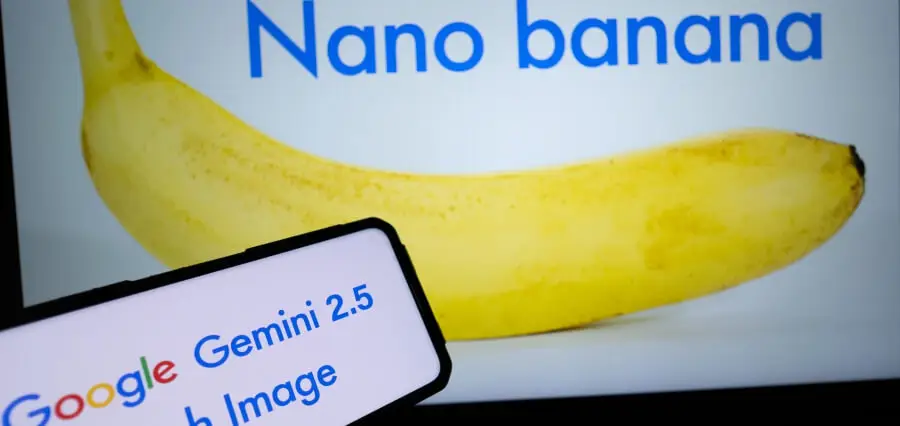
One popular name in this space is Nano Banana 2.5. It is commonly associated with Google’s Gemini 2.5 Flash Image model.
What Is Nano Banana 2.5?
Nano Banana 2.5 is a name often used for Google’s Gemini 2.5 Flash Image model. The model can create new images and edit existing ones through text prompts.
Users can upload an image and describe the changes they want. The AI then uses those instructions to create an updated version.
This makes image editing more conversational than traditional software. You can explain an idea without knowing every editing tool or setting.
How Does Nano Banana 2.5 Image Editor Work?
The process starts with an image or a text description. You then tell the AI what you want to create or change.
For example, you can ask it to remove an object from a photo. You can also request a new background while keeping the main subject.
The model reads your instructions and generates the requested result. You can then provide another prompt if the first version needs changes.
This creates a simple editing workflow. Instead of starting again, you can keep refining the same visual.
Main Features of Nano Banana 2.5
Natural language editing is one of the main features of the model. Users can describe changes in normal language instead of using complicated editing controls.
The model can also work with multiple images. This allows users to combine ideas or references into a single image.
Another useful feature is subject consistency. The model can help keep a person, character, or object recognizable across different images.
What Can You Edit With It?
Nano Banana 2.5 can handle many common image changes. You can modify backgrounds, colors, objects, lighting, and visual styles.
You can also ask the model to change the setting around a subject. The main subject can remain while the surrounding scene becomes completely different.
Product photos can also be adjusted with AI. A product can be placed in a cleaner or more suitable environment.
Portraits can receive similar changes. You can request a different background or visual style while keeping the person recognizable.
Why Prompt Quality Matters
The instructions you provide can affect the final result. Clear prompts usually make it easier for the model to understand your expectations.
Instead of writing “change the background,” describe the background you want. You can mention the setting, lighting, colors, and overall appearance.
Nano Banana 2.5 for Product Images
Online sellers can use AI editing to create different product scenes. This can reduce the need to photograph every product in several locations.
A product can be placed into a studio-style setting with a simple prompt. You can also test different backgrounds before choosing the final design.
This can be useful for online stores and social media content. It gives sellers more ways to present the same product visually.
However, product details should always be checked. Labels, logos, colors, and small design elements can sometimes change during AI editing.
Nano Banana 2.5 for Social Media
Social media creators often need fresh visuals for different posts. AI editing can help create several versions from one basic image.
You can change the background or overall style for different campaigns. You can also create visuals that match different themes or occasions.
For people exploring this technology, a Nano Banana 2.5 image editor can provide another way to experiment with AI-assisted image editing.
Common Uses of Nano Banana 2.5
AI image editing can be useful for marketing materials. Businesses can create different visual concepts without producing every version manually.
It can also help content creators prepare social media images. Bloggers can use it to develop visual ideas for articles and online campaigns.
Designers can use AI during the early stages of a project. It can help them test different concepts before creating a final design.
Students and casual users can also experiment with the technology. Simple prompts make it accessible for people with limited image-editing experience.
Nano Banana 2.5 vs. Newer Nano Banana Models
The Nano Banana name can be confusing because Google has introduced newer image models. Gemini 2.5 Flash Image is commonly identified as the original Nano Banana model.
Google has since introduced newer models under the Nano Banana name. These versions can offer different capabilities and performance.
Users should therefore check the actual model being offered. A platform using the Nano Banana name may not provide the same features as another platform.
Checking the model information can prevent confusion. It also helps users understand which tools and capabilities are actually available.
How to Get Better Results
Use clear reference images whenever possible. Describe important elements in the order they matter. Start with the subject, then explain the change, setting, and preferred style.
You can also refine an image through several prompts. This approach gives you more control over the final appearance.